|
|
||
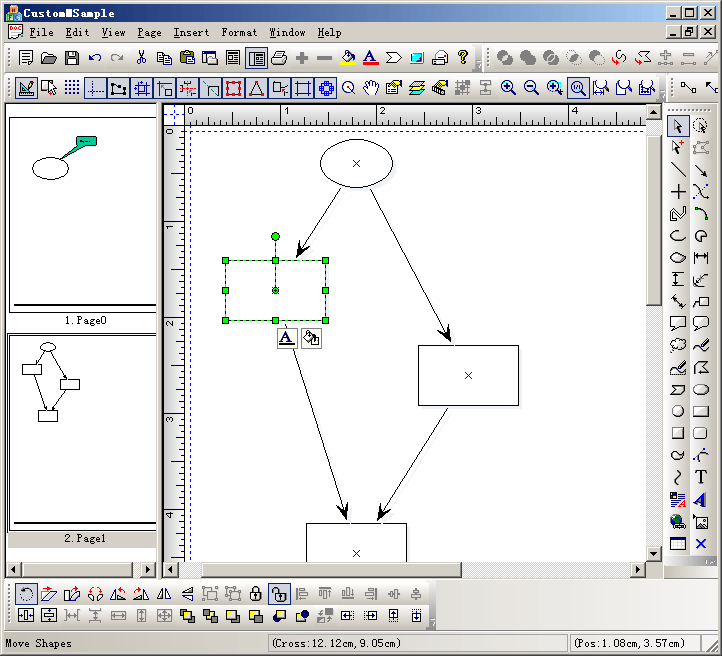
Steps: 1. Create a new class CContentView that uses CFOContentView as base class, this is the left side page list window. 2. Create a new class CCustomMSampleView that uses CFOMultiPageView as base class. 3. Create a CMyExtDataModel that uses CFOMultiPageModel as base class. 4. Create a new CExtDataManager that uses CFOMultiPageModelManager as base class. 5. Create spliter within children window, by changing CChildFrame's base class to CFOBaseChildFrame.
|
Copyright ?1998-2007 UCanCode.Net Software, all rights reserved.
Other product and company names herein may be the trademarks of their respective owners.
Please direct your questions or comments to webmaster@ucancode.com