|
|
||
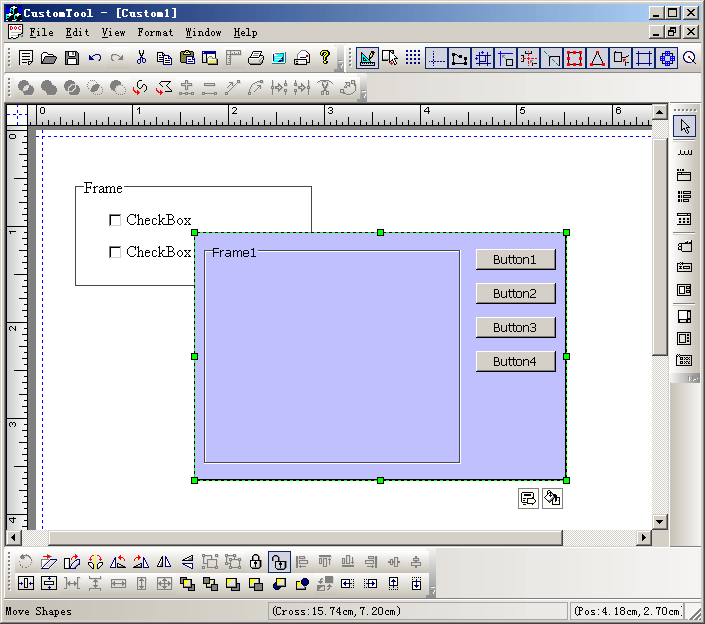
Steps: 1.Create composite shape with shapedesigner.exe, and save it with a *.sid file. 2. Import *.sid file as a resource file. 3. Call the following codes to draw the composite shape:
void CCustomToolView::OnDrawTool1()
{
// TODO: Add your command handler code here
StartCustomShapeID(IDR_COMPSRES1);

}

void CCustomToolView::OnUpdateDrawTool1(CCmdUI* pCmdUI)
{
// TODO: Add your command update UI handler code here
BOOL bDesign = GetCurrentModel()->IsDesignMode();
pCmdUI->Enable(bDesign);

pCmdUI->SetCheck(m_drawshape == FO_COMP_COMPOSITE && m_nCurShapeResID == IDR_COMPSRES1);

}
|
Copyright ?1998-2007 UCanCode.Net Software, all rights reserved.
Other product and company names herein may be the trademarks of their respective owners.
Please direct your questions or comments to webmaster@ucancode.com