|
|
||
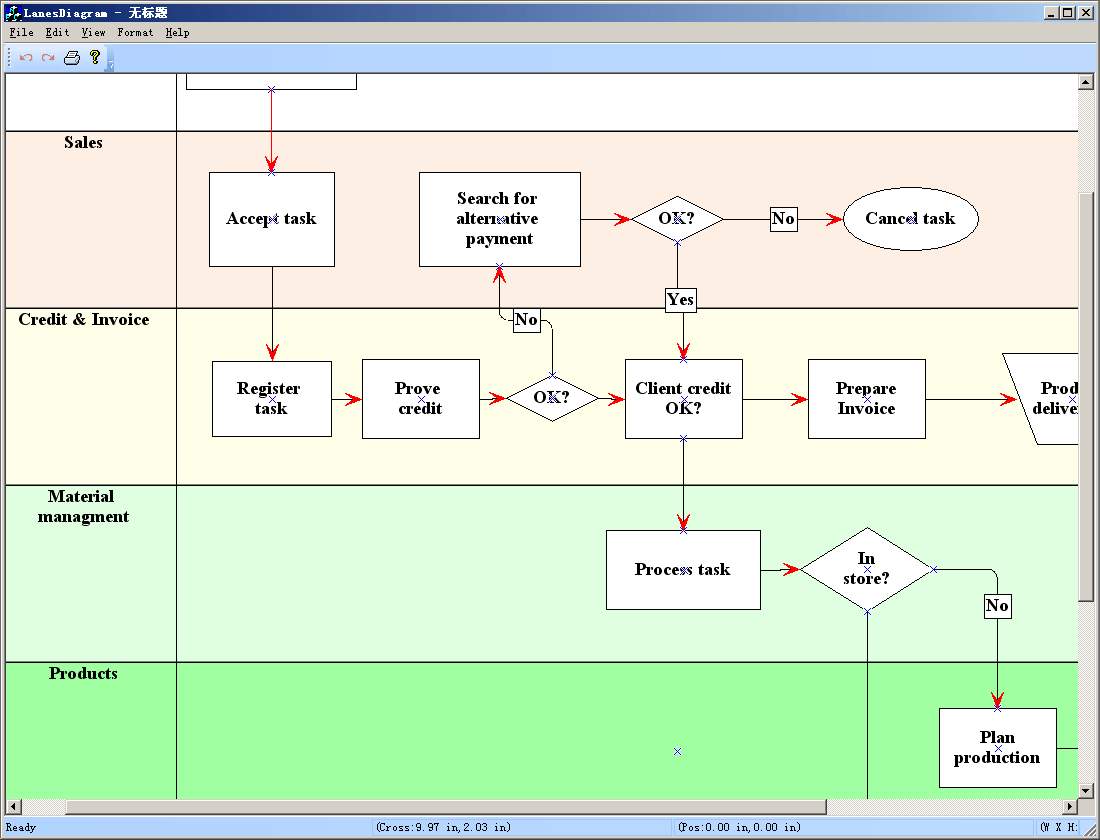
Steps: 1. Design any symbols with ShapeDesigner. 2. Create diagram with DiagramEditor and save it to a xdg file. 3. Load Xdg file to the canvas by call: void CLanesDiagramView::OnInitialUpdate() { SetCurrentModel(GetDocument()->m_pDataModel); CFODrawView::OnInitialUpdate(); LoadXdgFromResource(IDR_MAIN, _T("XdgRes"), FALSE); // this->ZoomToFitPageWidth(); // GetCurrentModel()->SetBkColor(RGB(160,224,255)); // GetCurrentModel()->SetDesignMode(FALSE); } |
Copyright ?1998-2007 UCanCode.Net Software, all rights reserved.
Other product and company names herein may be the trademarks of their respective owners.
Please direct your questions or comments to webmaster@ucancode.com