|
|
||
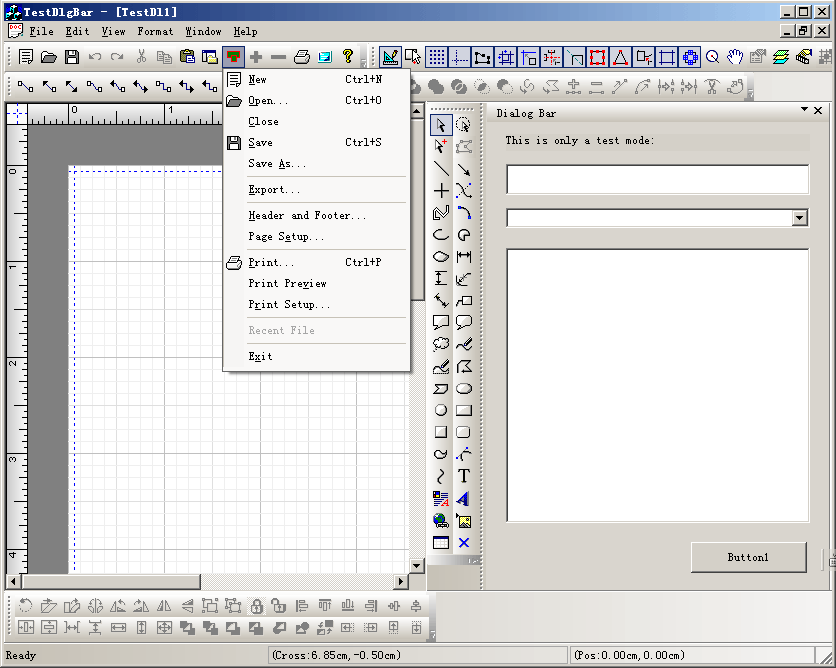
Steps: Create dialog bar by call: if (!m_wndDlgBar.Create(this,
IDD_DIALOGBAR_TEST,WS_VISIBLE|CBRS_RIGHT | CBRS_SIZE_DYNAMIC | CBRS_TOOLTIPS, |
Copyright ?1998-2007 UCanCode.Net Software, all rights reserved.
Other product and company names herein may be the trademarks of their respective owners.
Please direct your questions or comments to webmaster@ucancode.com